

Listening & Culture
Late-Night Music Visualizer Experiences for Night Owls
Discover late-night music visualizer experiences that turn your nighttime listening into an immersive audiovisual journey. Dive in now!
By DRVVYN · · 9 min read
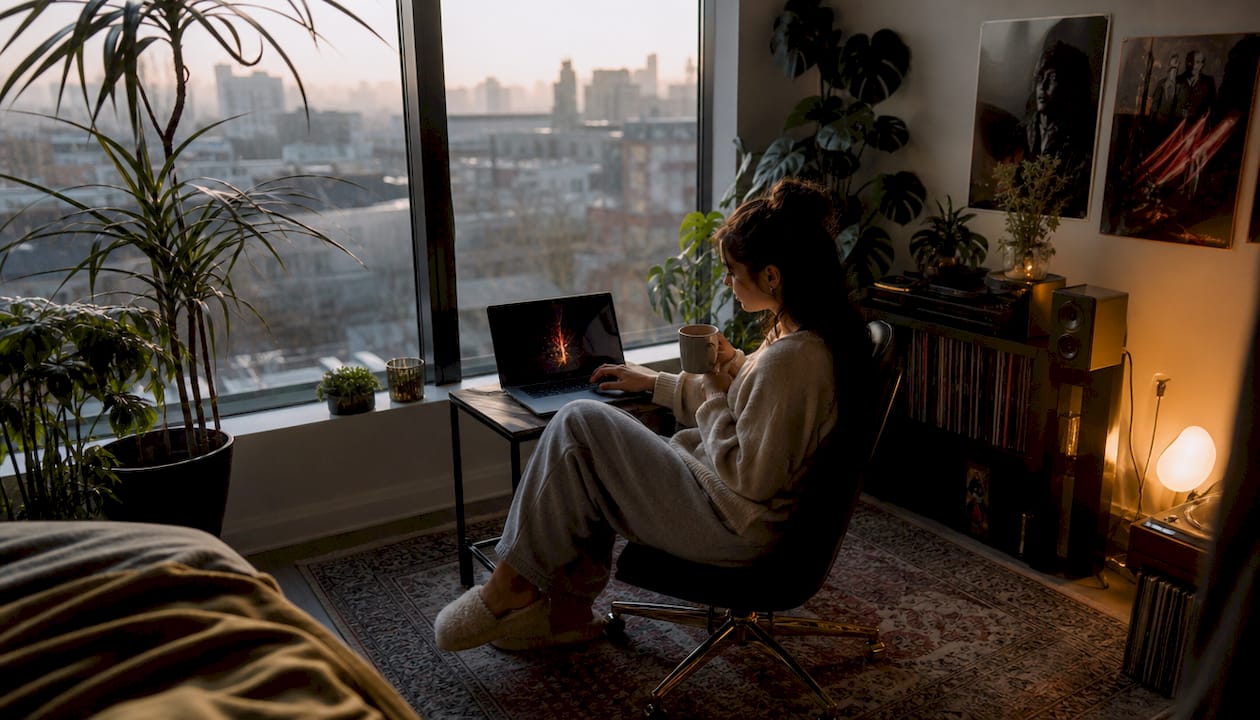
Late-night music visualizer experiences are immersive audiovisual tools that synchronize dynamic visuals with music to deepen your nighttime listening. The industry term for this practice is audio-reactive visualization, and it covers everything from browser-based apps to full-scale sensory installations. The best setups use predictive beat synchronization, spatial audio, and rich preset libraries to create something that feels less like watching a screen and more like stepping inside the music. If you’ve ever felt that music hits differently at night, a well-tuned visualizer explains exactly why.
1. What makes late-night music visualizer experiences worth your time?
Audio-reactive visualization turns sound into something you can see and feel simultaneously. The silence of late night sharpens every detail. Colors pulse with the kick drum. Shapes breathe with the melody. That combination creates a state closer to meditation than entertainment.
The technology behind the best experiences relies on two pillars: predictive beat synchronization and spatial audio. Predictive sync means the visuals ramp up before a drop lands, not after. That distinction matters more than it sounds. When visuals react after the beat, there’s a tiny lag that breaks the spell. When they anticipate it, the whole experience feels unified.
Large-scale events prove this works at scale. Resolution on Catalina Island offers a 45-minute dome experience blending music, story, and visuals designed specifically to give audiences space to reflect and reconnect emotionally. That emotional design principle translates directly to personal late-night setups.
2. What features make a visualizer ideal for late-night sessions?
Not every visualizer suits the quiet, introspective mood of 2:00 AM. The right one has specific qualities that protect the atmosphere rather than shatter it.
- Predictive beat synchronization.ENTHEA’s predictive analysis scans entire waveforms upfront so visuals anticipate drops instead of reacting to them. This removes latency and keeps immersion intact.
- Wide preset variety. Ambient, ethereal, and psychedelic presets serve different moods. A library with hundreds of options lets you match the visual tone to whatever you’re feeling at midnight versus 4:00 AM.
- Offline capability. Client-side processing means the app runs without sending audio data to a server. That protects your privacy and prevents buffering interruptions.
- MIDI mapping and scene snapshots. These let you lock a visual state you love without touching the mouse. One key press holds the mood.
- GPU acceleration. Smooth visuals require your graphics card to do the heavy lifting. Without hardware acceleration enabled, even simple presets stutter.
Pro Tip:Close every unnecessary browser tab before launching a visualizer. Background tabs drain GPU resources and cause frame drops that break the immersive state.
3. Top browser-based visualizers for immersive nighttime audio-visual art
Three browser-based tools stand out for late-night use. Each takes a different approach to the core problem of syncing sound and image.
MangoWave is the preset powerhouse. It offers 832 presets and runs entirely with client-side processing, meaning no audio data leaves your device after the initial load. That combination of depth and privacy makes it the go-to for listeners who want variety without compromise. You can spend an entire night cycling through ambient and ethereal presets without repeating yourself.
ENTHEA is built for listeners who want the visuals to feel alive. Its predictive beat synchronization analyzes the full waveform before playback begins, so the visuals build tension before a drop and release it exactly on time. The effect is closer to a live performance than a screen saver. ENTHEA also supports festival-grade effects that scale from subtle to overwhelming depending on your preset choice.
VIMATHIC focuses on the technical side. It uses advanced GPU acceleration and strict audio-to-visual locking, which means the sync stays tight even during complex, layered tracks. It suits listeners who run DJ software or multi-source audio setups.
| Visualizer | Standout feature | Best for |
|---|---|---|
| MangoWave | 832 presets, fully offline | Variety seekers, privacy-focused listeners |
| ENTHEA | Predictive beat sync | Deep immersion, emotional listening |
| VIMATHIC | GPU acceleration, A/V locking | DJ setups, multi-source audio |
4. How multi-sensory immersive experiences shape nighttime listening
The most powerful audio-visual experiences go beyond a screen. They treat sound, image, and environment as a single unified signal. That design philosophy shows up in the world’s best immersive music events, and it offers real lessons for personal setups.
The David Bowie Lightroom exhibition used spatial audio and 360-degree projections reaching up to 11 meters high to hold audiences inside a continuous sensory experience for roughly 60 minutes. The scale was theatrical, but the principle was simple: remove every gap between the music and the listener’s body.
ILLENIUM’s ODYSSEY residency in 2025 pushed this further. It used 16K visuals and in-seat haptics to move audiences through a structured emotional arc, from heartbreak through conflict to healing. The experience functioned as a narrative, not a light show.
“Resolution was created to give people time to think. We live in a world of noise, and this is a place to reconnect with what you’ve lost in the daily rush. The music, the visuals, the space itself, they all work together to hold you inside a feeling long enough to actually feel it.”
— Resolution, Immersed Catalina
That idea of holding you inside a feeling applies directly to ambient nocturnal soundscapes you build at home. The goal is not stimulation. The goal is depth.
5. How to set up your own immersive late-night visual music environment
A personal setup that actually works requires attention to four areas: audio routing, hardware settings, visual control, and physical space.
- Route your audio correctly. Most visualizers need a direct audio feed. Virtual audio cable software like VB-Audio Cable on Windows or BlackHole on Mac bridges your system audio or DJ software output into the visualizer. Without this, the app may only capture microphone input, which degrades quality.
- Enable hardware acceleration. Open your browser settings and confirm GPU acceleration is active. Competing browser tabs and extensions steal GPU resources and cause stuttering. Close what you don’t need.
- Lock your favorite preset. Use MIDI mapping or keyboard shortcuts to snapshot a visual state you love. Random preset cycling during a quiet, reflective session breaks the mood sharply.
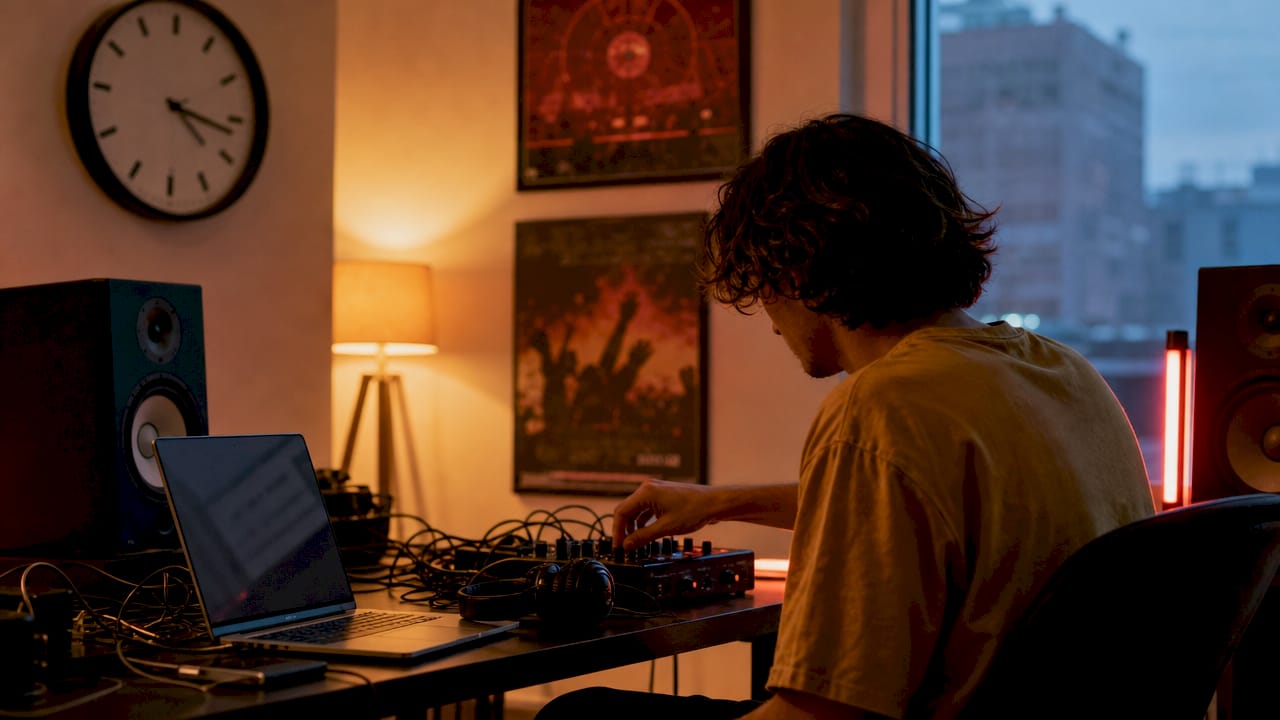
- Arrange your physical space. Dim or turn off overhead lights. Position your screen at eye level so you can watch without straining. Add a small lamp with warm color behind the monitor to reduce eye fatigue during long sessions.
- Balance system resources. Close streaming apps, update processes, and cloud sync tools before you start. A visualizer running at full GPU capacity alongside a background update will stutter at the worst possible moment.
Pro Tip:Pair your visualizer with passive listening techniques to deepen the experience. Let the visuals guide your attention rather than demanding it.
6. Matching visual effects and presets to your nighttime mood
Visual effect categories each serve a different emotional purpose. Choosing the wrong one for your mood is like choosing the wrong playlist. The mismatch pulls you out of the experience instead of pulling you deeper in.
Ambient presets use slow, flowing shapes and muted color gradients. They suit genres like lo-fi, neo-soul, and quiet R&B. Resource consumption is low, so they run smoothly on older hardware. These are the presets you reach for when you want the visuals to disappear into the background.
Ethereal presets add soft light blooms and gentle particle systems. They work well with atmospheric electronic music and acoustic tracks. The visual complexity is moderate, and the emotional effect is contemplative. Think of them as the visual equivalent of songs built around night time nostalgia.
Psychedelic presets use high-contrast color shifts and rapid geometric changes. They suit high-energy electronic music and work best when you want stimulation rather than calm. GPU demand is high, so hardware acceleration is non-negotiable here.
Reactive presets respond directly to volume and frequency changes with sharp visual pulses. They create a strong cause-and-effect relationship between sound and image. They suit listeners who want to watch the music rather than be held inside it.
| Preset style | Best music genre | Mood effect | GPU demand |
|---|---|---|---|
| Ambient | Lo-fi, neo-soul, R&B | Calm, background | Low |
| Ethereal | Atmospheric electronic, acoustic | Contemplative | Moderate |
| Psychedelic | High-energy electronic | Stimulating | High |
| Reactive | Any genre with dynamic range | Engaged, attentive | Moderate |
Key takeaways
The most effective late-night audio-reactive visualization combines predictive beat sync, offline processing, and mood-matched presets to create an experience that holds you inside the music rather than just displaying it.
| Point | Details |
|---|---|
| Predictive sync is the core feature | Visuals that anticipate beats create immersion; visuals that react to them break it. |
| Preset variety protects the mood | A library of 800+ presets lets you match the visual tone to your emotional state at any hour. |
| Audio routing requires a virtual cable | VB-Audio Cable or BlackHole bridges system audio into visualizer apps that lack native capture. |
| Hardware acceleration is non-negotiable | Disabling GPU acceleration causes stuttering that destroys the immersive state. |
| Physical space shapes the experience | Dim lighting, correct screen position, and closed background apps all affect session quality. |
What I’ve learned about building a late-night visual music space
The first time I ran a predictive-sync visualizer against a slow R&B track at midnight, something shifted. The visuals didn’t follow the music. They breathed with it. That distinction changed how I think about the whole practice.
Most people set up a visualizer and leave it on random. That’s fine for background noise. But for a real late-night session, the visual state needs to be as intentional as the playlist. I snapshot one preset early in the session and hold it there. The consistency builds a kind of pressure in the room, a tension that the music then releases. That release is the point.
The other thing I’ve learned is that less is more after midnight. Psychedelic presets are exciting for ten minutes. Ambient ones hold you for two hours. The goal isn’t to be impressed by the visuals. The goal is to stop noticing them as separate from the sound. When that happens, you’re not watching a screen anymore. You’re inside something.
— DRVVYN
Drvvynsound and the music that belongs in these moments
The right visualizer deserves the right music. Drvvynsound creates original R&B and cinematic audio built for exactly these moments: late nights, quiet rooms, and the kind of listening that asks something of you. DRVVYN’s releases are emotionally driven, with themes of reflection, healing, and personal growth that pair naturally with ambient and ethereal visual presets. If you’ve spent time building your late-night setup, the next step is finding music that fills it with intention. Explore the full catalog and curated selections at Drvvynsound and let the sound do the rest.
FAQ
What is a music visualizer?
A music visualizer is an audio-reactive program that generates dynamic visuals synchronized to music in real time. The best versions use predictive beat analysis to anticipate musical changes rather than simply reacting to them.
Do browser-based visualizers work offline?
Yes, tools like MangoWave run with client-side processing and require no backend server traffic after the initial load. That makes them fully functional offline and private by design.
How do I route audio into a visualizer?
Use virtual audio cable software like VB-Audio Cable on Windows or BlackHole on Mac to bridge your system audio output into the visualizer’s input. This works for both streaming audio and DJ software.
Why do my visuals stutter during playback?
Stuttering almost always comes from insufficient GPU resources. Enable hardware acceleration in your browser settings and close competing tabs, extensions, and background processes before starting a session.
What music works best with late-night chill visuals?
Lo-fi, neo-soul, atmospheric electronic, and emotionally driven R&B pair best with ambient and ethereal presets. Genres with dynamic range at night give the visualizer more to work with and create a richer experience.